✎
AI Studio
Draft captions, hooks, bios, scripts, and ideas from a model running on your own hardware, tuned to your voice. Wire your own GPU or CPU model for smarter output - and it still works with none.

A plain-language guide to V.E.Y.R Creator 1.0 - how to install it, add your license, connect Instagram, and use every tool. No jargon, nothing you cannot see for yourself. Read top to bottom the first time, then jump to any step.
One line on the computer you own. No accounts, no cloud sign-up.
Paste your key once. It unlocks every Creator tool, forever.
Sign in with Instagram. Official API, no keys to paste.
Turn comments into private DMs, safely and on autopilot.
AI Studio, your own Store, Creator Cam, and campaigns.
Insights and an account-health score with clear next moves.
V.E.Y.R runs on hardware you own - a mini PC, a home server, or any always-on Linux or Windows machine. There is no V.E.Y.R cloud in the middle. One command sets everything up.
You never paste developer keys or app secrets. Everything the app needs, it sets up for you.
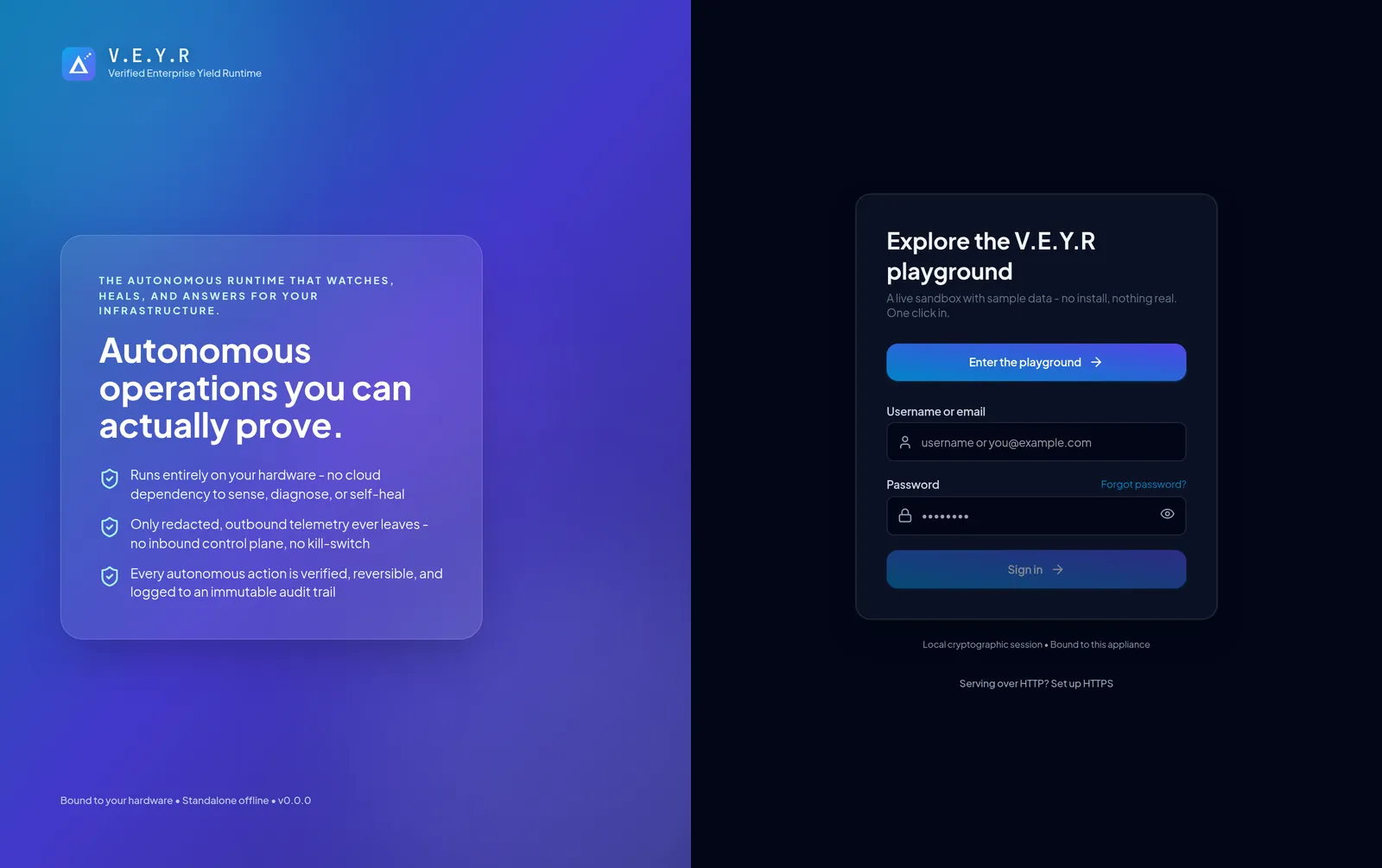
Your Creator license is a single key. It is tied to your email and activates the first time you apply it. After that, every Creator tool is unlocked on your instance.
One payment, yours to keep. No monthly platform fee to use your own tools, and 0% commission on anything you sell.
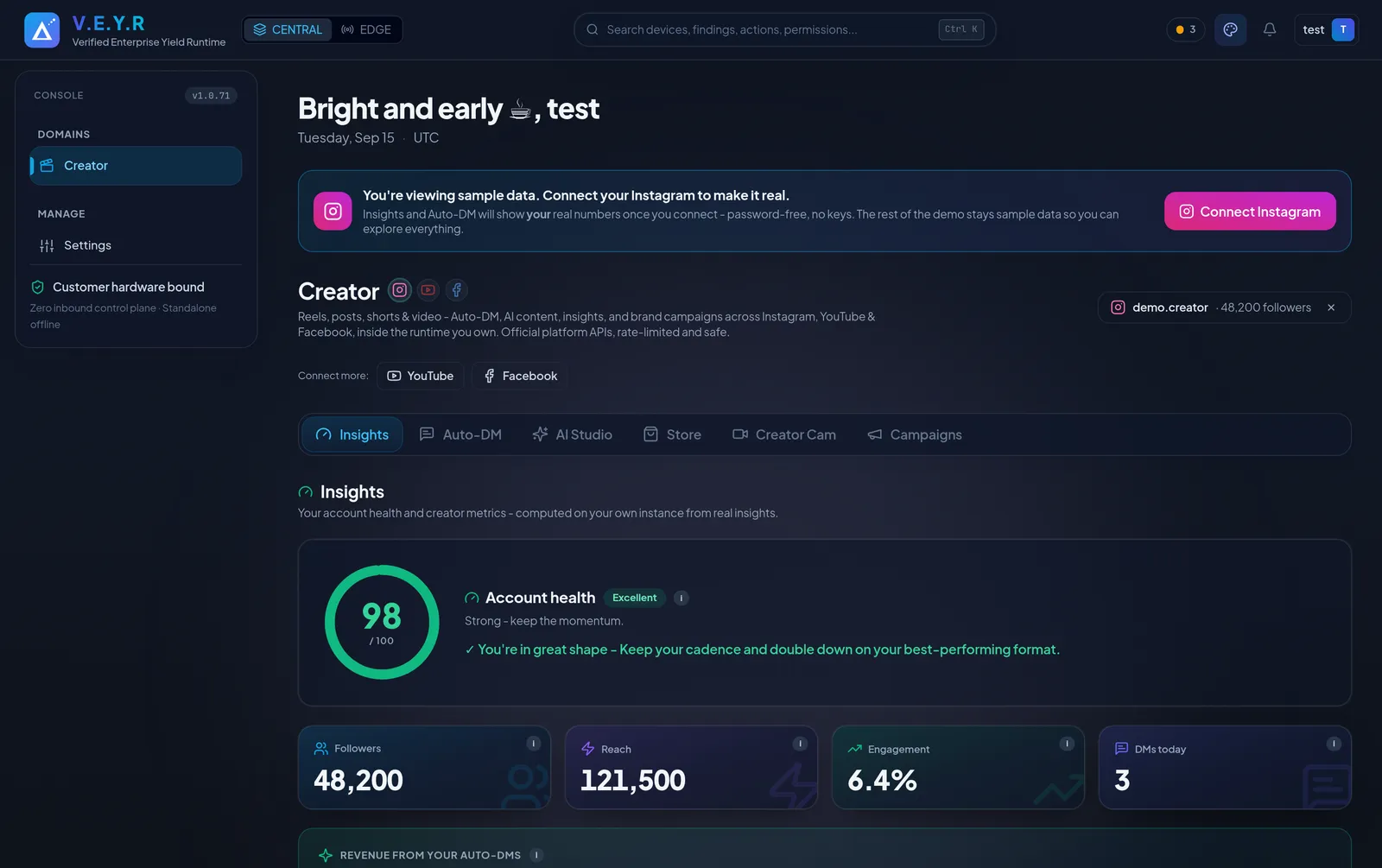
V.E.Y.R uses Instagram's official login for professional accounts. You sign in on instagram.com and approve the permissions - there is no developer console to set up and no app keys to paste. Your access token stays on your own instance, encrypted.
Built for Instagram today, with YouTube and Facebook next. What each connection can read and do is always shown honestly - if a number is a sample rather than your live data, it is labelled as one.
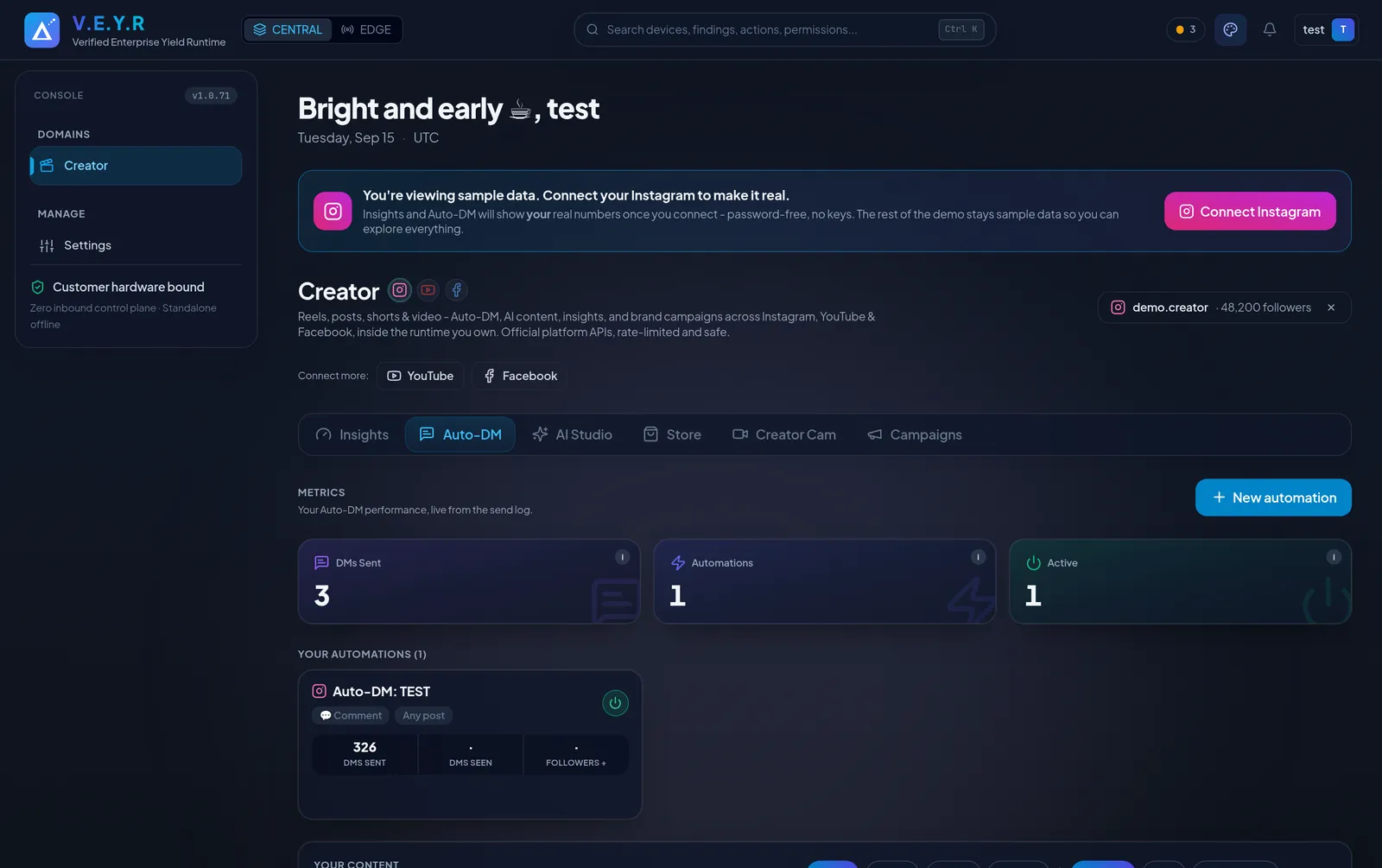
When someone comments on your reel, V.E.Y.R can reply in public and send them a private DM automatically. You build it in four simple steps and test it safely before it goes live.
Every send is rate-limited and gated. Safe by design, so your account stays in good standing.
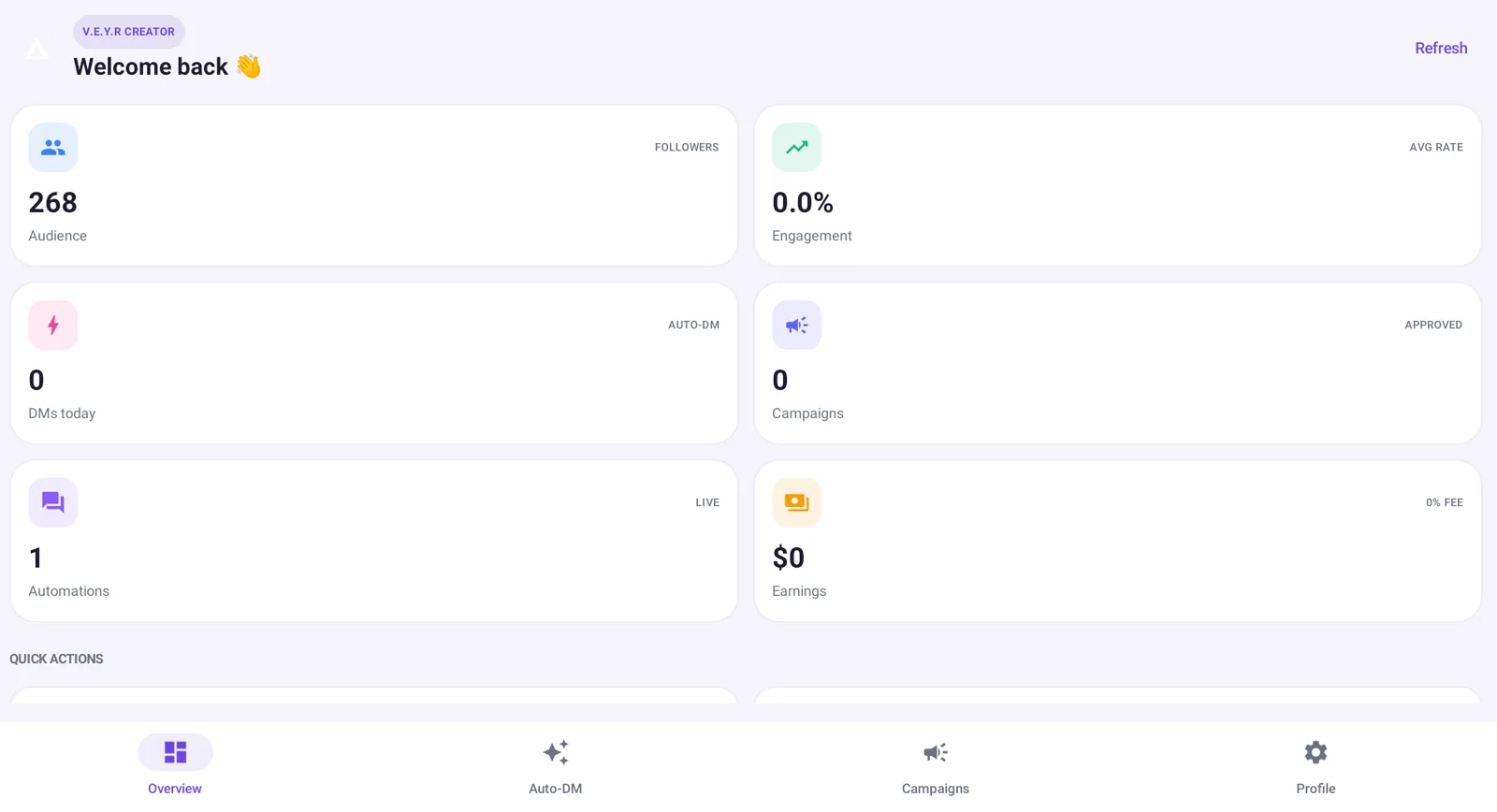
The rest of the toolkit helps you make content, sell your own merch, and manage brand deals - all on the same instance, on the web and in your pocket.
Draft captions, hooks, bios, scripts, and ideas from a model running on your own hardware, tuned to your voice. Wire your own GPU or CPU model for smarter output - and it still works with none.
Record a clip, clean it up with filters, and post it straight to a Reel or Story from V.E.Y.R.
List products, record a sale in one tap with the buyer captured, watch revenue on a live chart, and keep an owner-owned sales ledger. Export clean books to Excel or PDF, grouped by month.
Share one link and your followers get a fast shop - search, cart, and one-step checkout - rebranded as yours. You arrange payment directly, at 0% commission.
Run brand collaborations end to end - briefs, deliverables, and payouts - on your own instance, at 0% commission.
The Android app and the web console read and write the same instance, so everything stays in sync. The app finds your V.E.Y.R on your network and notifies you the moment a DM fires or a sale lands.
Insights turns your activity into an account-health score and a short list of ranked, plain-English things to do next - computed on your instance from your real data.
V.E.Y.R is built to be understood. If something is not clear, these get you unstuck fast.
The Complete demo shows every tool with sample data, so you can click through the whole product before you install.
Setup questions, licensing, or anything else - reach out and a person answers.
The short version of this manual, focused on getting you from order to running in minutes.
One payment, unlimited tools, 0% commission, yours to keep.